Does Oto Ninja work without an OBD2 adapter?
Yes. GPS trip recording works independently of an OBD2 adapter. A compatible adapter is needed to read OBD2 vehicle data.
Can I record trips using only GPS?
Yes. GPS trip recording needs location permission; engine RPM, engine temperature, and other ECU readings are not provided in this mode.
Which OBD2 adapters are supported?
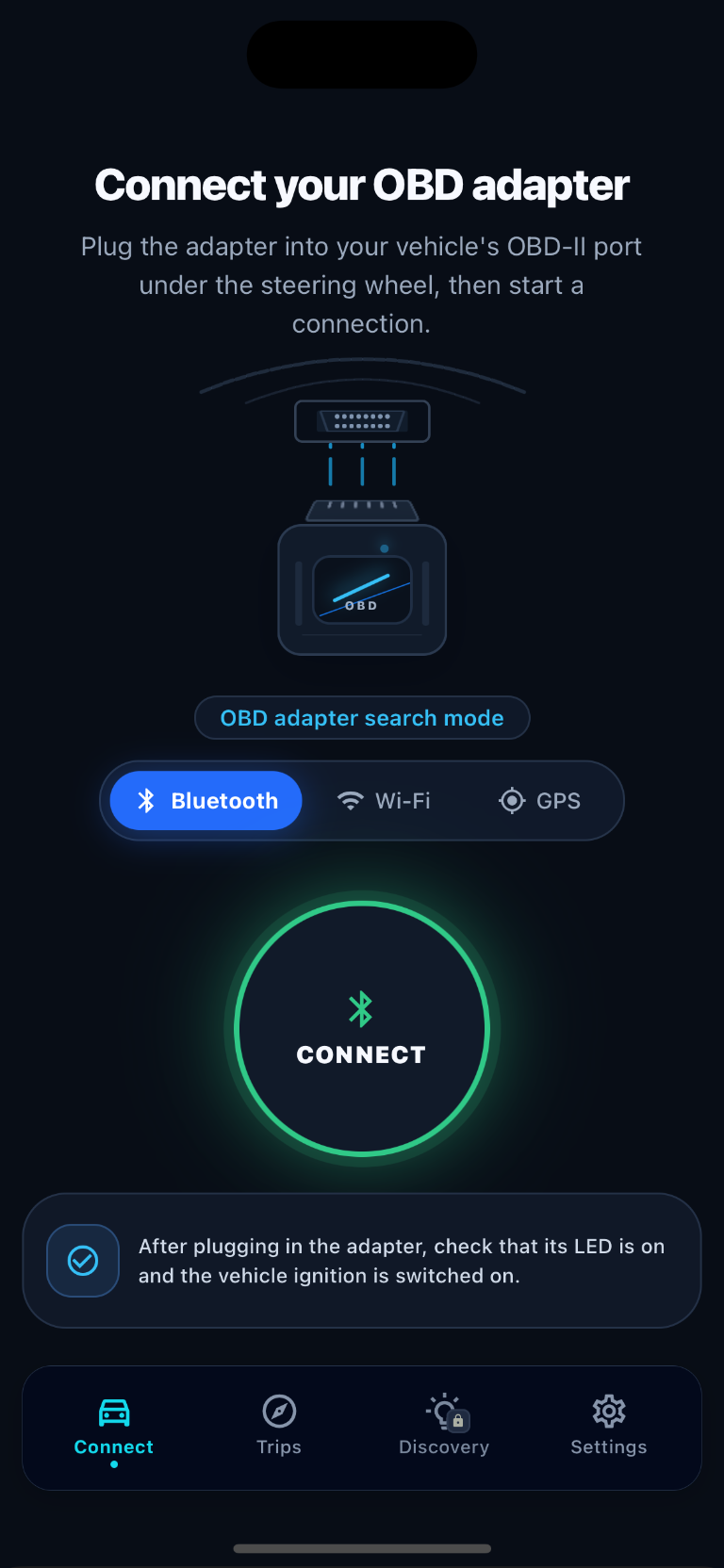
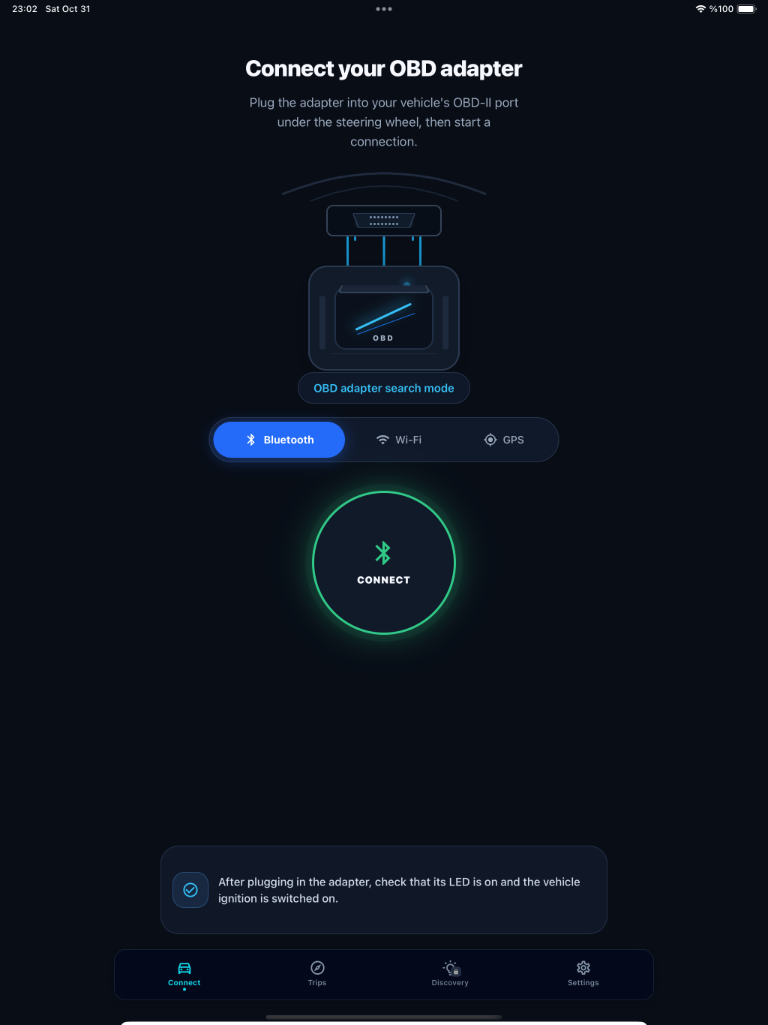
Bluetooth and Wi-Fi OBD2 adapters are connection options. Compatibility depends on the adapter model, vehicle, and supported parameters; full compatibility with every ELM327 adapter is not guaranteed.
Why are some vehicle parameters unavailable?
A vehicle’s control units may not provide every parameter. Support can also vary by adapter, vehicle, connection type, and operating conditions.
Why is fuel consumption unavailable?
A fuel-consumption calculation may be shown as an estimate when suitable vehicle data is available. Not every vehicle provides the data needed for this estimate.
Can Oto Ninja read vehicle fault codes?
Not yet. Reading vehicle fault codes is planned for a future release. Even when this feature becomes available, fault codes and their descriptions should not be considered a definitive diagnosis. Always consult a qualified automotive professional for accurate diagnosis and repair.
Does GPS recording require location permission?
Yes. GPS-based route recording requires your device’s location permission. Permission options and background recording behavior may vary by operating system.
Where are my trips stored?
Your trips and related driving data are currently stored in the app's local database on your device. You can access your trip history directly within the app. We plan to introduce an optional server synchronization feature in a future release.
 Oto Ninja